explainer video Stills studio animanova

Explainer video

An explainer video is a short film that explains information, concepts or processes in a simple and clear way. This type of film often combines animation techniques with a voice-over to make it easier for viewers to understand a topic. Explainer films are used in various areas such as education, e-learning and corporate communications. Image films and corporate videos can also be created in the style of an explanatory film. If a production has a little more time and budget, animated explanatory films are a wonderful way to tell a story in a lively, humorous and emotional way using movement. If you need to save on the cost of animation, lovingly drawn, illustrated explanatory films with less movement are an alternative.

AniGIF studio animanova explainer video

The 7 steps to produce an Explainer Video

The production of an explanatory film requires careful planning, creativity and film technology expertise. You want to tell a story, explain a fact – but where do you start?

Step 1: Concept development

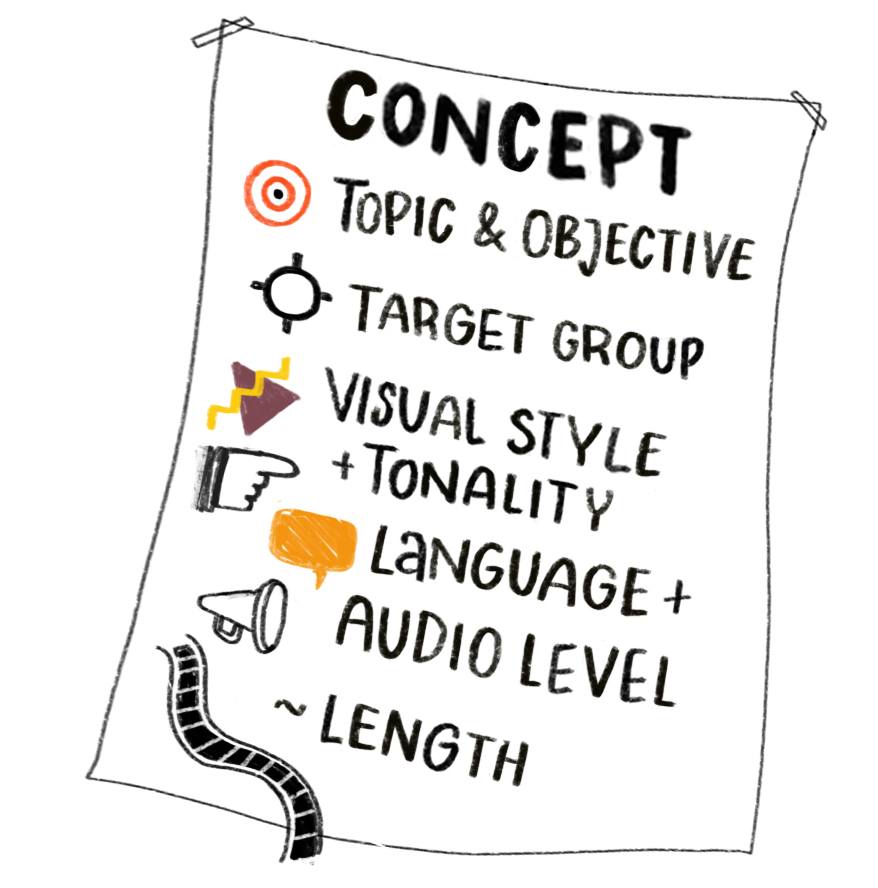
Three questions are key to concept development: What should be communicated (topic & goal), who is the target audience (employees, customers, etc.), and how should it be communicated (tone). In an initial concept, core messages are outlined and the target audience is defined. The message should be formulated precisely to ensure that it is easy to understand. The tone and visual style that best harmonises with the target audience, appeals to them and optimally supports the topic are selected. The concept also includes an initial estimate of the film length and the design of the sound level.

Step 1: Concept development
Step 2: The script is key

Step 2: The script is key

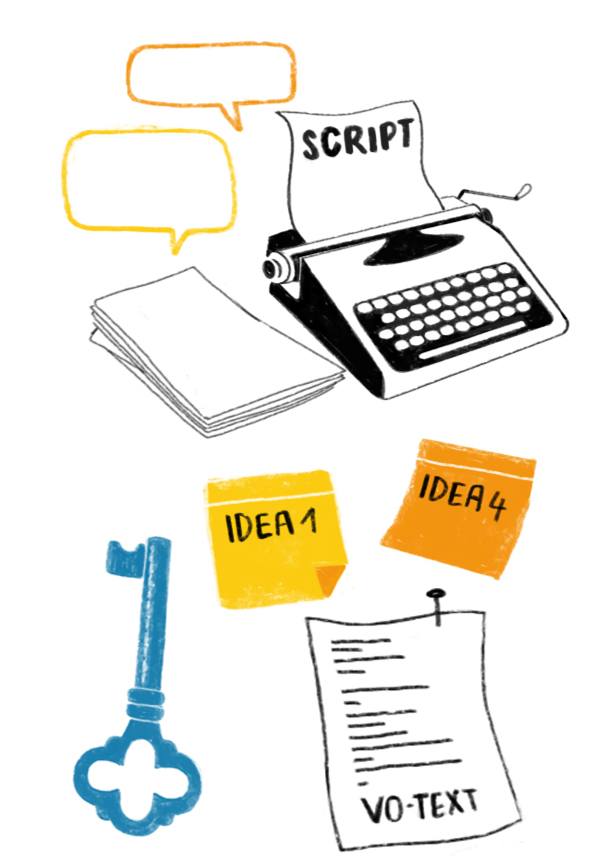
Once you have developed a coherent concept for the explainer video, a detailed script is written. This includes the sequence of events in the story, all the characters, the dialogue and a description of the setting and important visual elements. A well-written script is the key to success. It is the foundation on which everything else is built. In addition to the narrative style and the way the audience is addressed, it defines the cinematic rhythm and the length of the explainer video. It is important to tell the story step by step, scene by scene. Experience has shown that several rounds of revisions are necessary to present the content clearly and logically.

Focus

During script development, many ideas are often generated, tested and evaluated before the most suitable ones find their way into the narrative. In this process, it may be necessary to drop even cherished ideas (‘kill your darlings’) if they interfere with the narrative flow. Focus on which idea best advances the film and effectively conveys the message.

Narrator version

If you want to tell the story on an audio level via a narrator, you need a shorter, snappy version that only contains the narration text. This voice-over text should be clear, precise and easy to understand. Simple, short sentences help here. In the best case scenario, the finished script is already the voice-over text that is then recorded. Don’t be afraid to make cuts. The great thing about an explanatory film is that some things can be told through images alone.


Step 3: Voice recording

Once the script is ready, we work together to find the right voice artist. Voice tone, languages and dialects are all factors that influence the character of the film. It is essential to choose a professional voice artist for your explanatory film who can convey the message clearly and appealingly. You can hear the difference. Many professional voice-over artists work with a studio or can do the recording themselves. We clarify the desired tone and which parts of the recording should be emphasised in advance. For a voice-over explainer video, I recommend recording before creating the film. This provides a rhythmic orientation for the further design.

Step 3: Voice recording
Step 4: The storyboard

Step 4: The storyboard

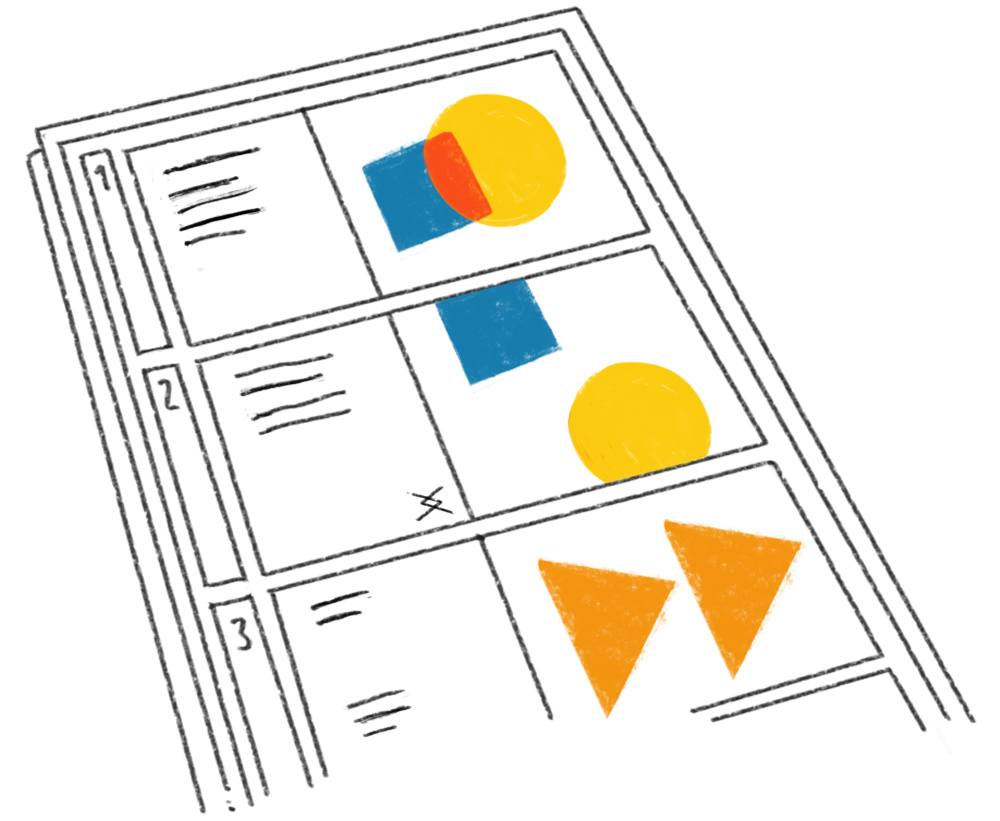
The storyboard for the explainer video can be developed in parallel with the voice recording. The written scenes from the script are now translated into sketch-like images. The camera angles are defined and the scene composition is created. The arrangement of the narrative elements, positions of characters, objects and backgrounds can be seen. The storyboard can be used to test how the scenes fit together and how the narrative works. In the editing concept, you decide which transitions best support the narrative flow at which points.

Step 5: Design & Visuals

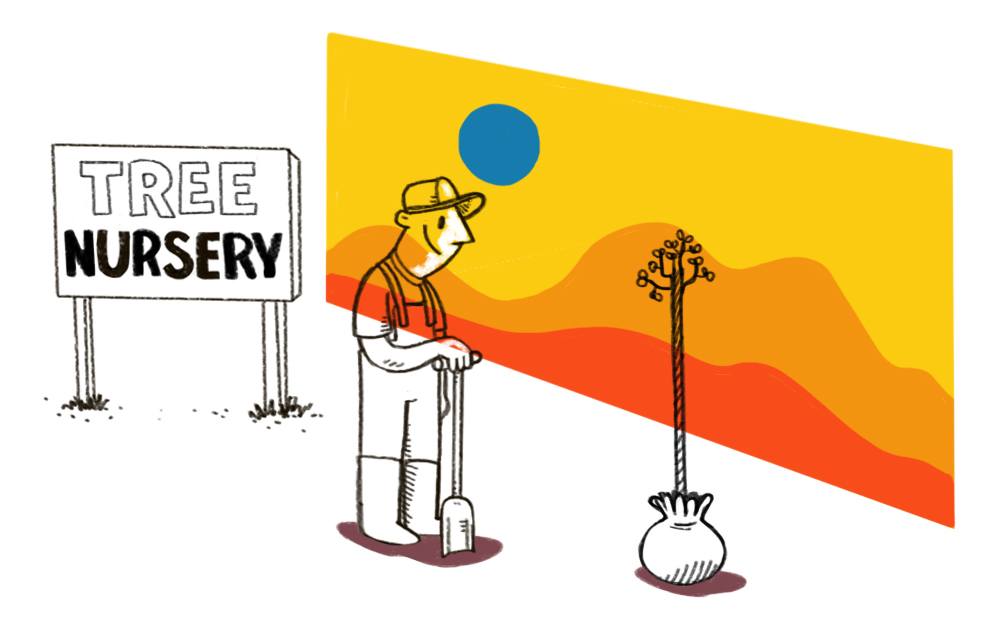
The visual design of an explainer video shapes the mood, aesthetics and overall impression of the film. Every story and every video speaks its own visual language. All visual elements such as backgrounds, objects, boards, fonts and characters are created specifically for the explainer video. It is important that the chosen style fits the message and helps to convey it. There is more than one way to define the style. Colours, shapes and figures have a significant influence on the effect. For example, warm colours create a welcoming atmosphere, while cooler colours often convey a professional distance.

Step 5: Design & Visuals
Step 6: Animation in an explainer video

Step 6: Animation in an explainer video

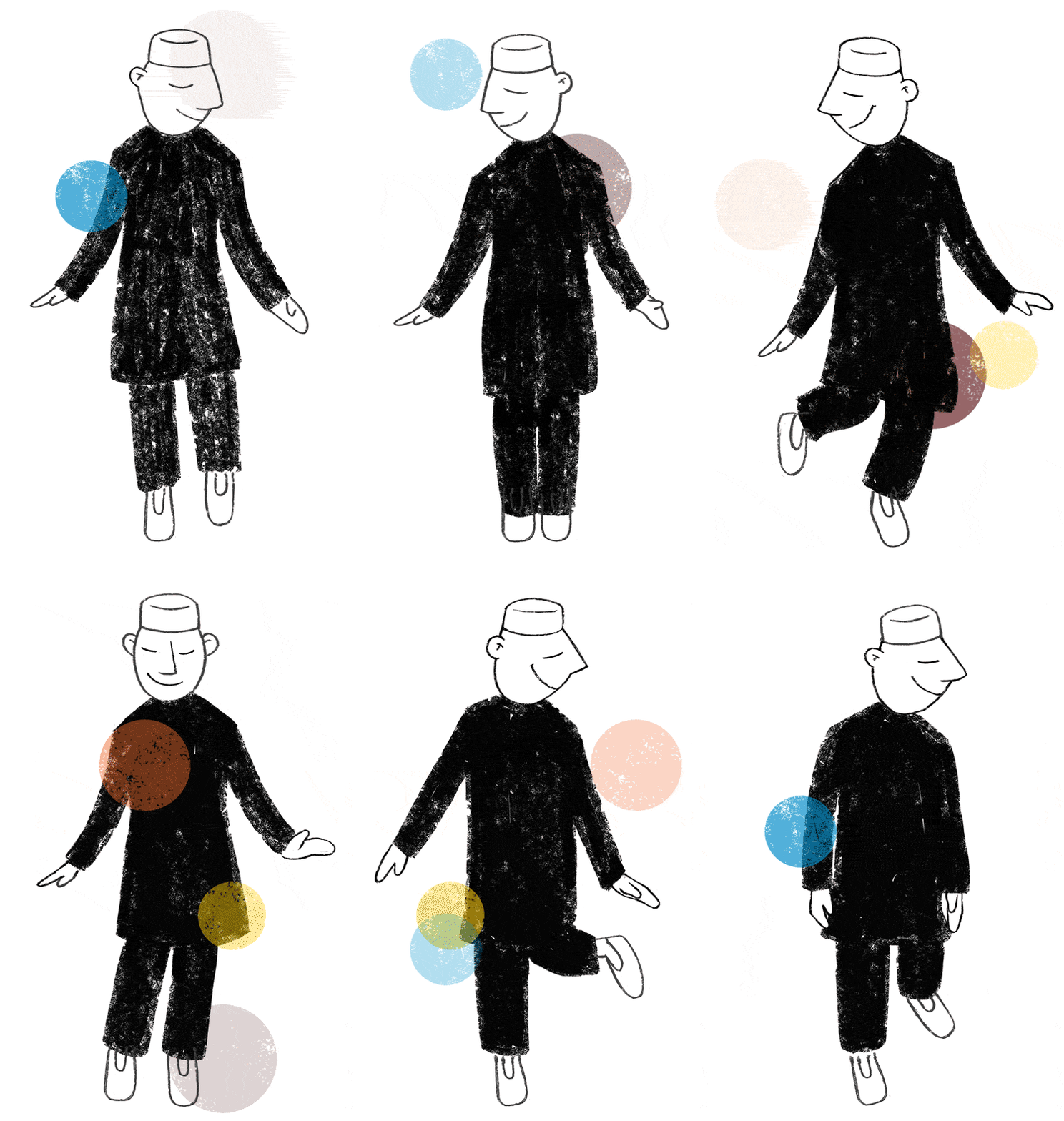
Animation brings characters and objects to life. They move around the screen, act according to our imagination and reinforce the emotional appeal. One second of animation consists of 25 individual frames, which are sequenced to create seamless movement in the viewer’s eye. These images have to be drawn. This takes time and patience and is usually done in a rather sketchy manner. Achieving fluid, coherent movement requires many steps, repetition and detailed work. There are various styles of animation, from the relatively simple cutout animation to the premier class of character animation.

Animation is also popular in explainer videos and helps to convey messages more quickly, effectively and emotionally. There are various approaches to using animation in an explainer video. Time and budget are decisive factors here.

Step 7: Post-production

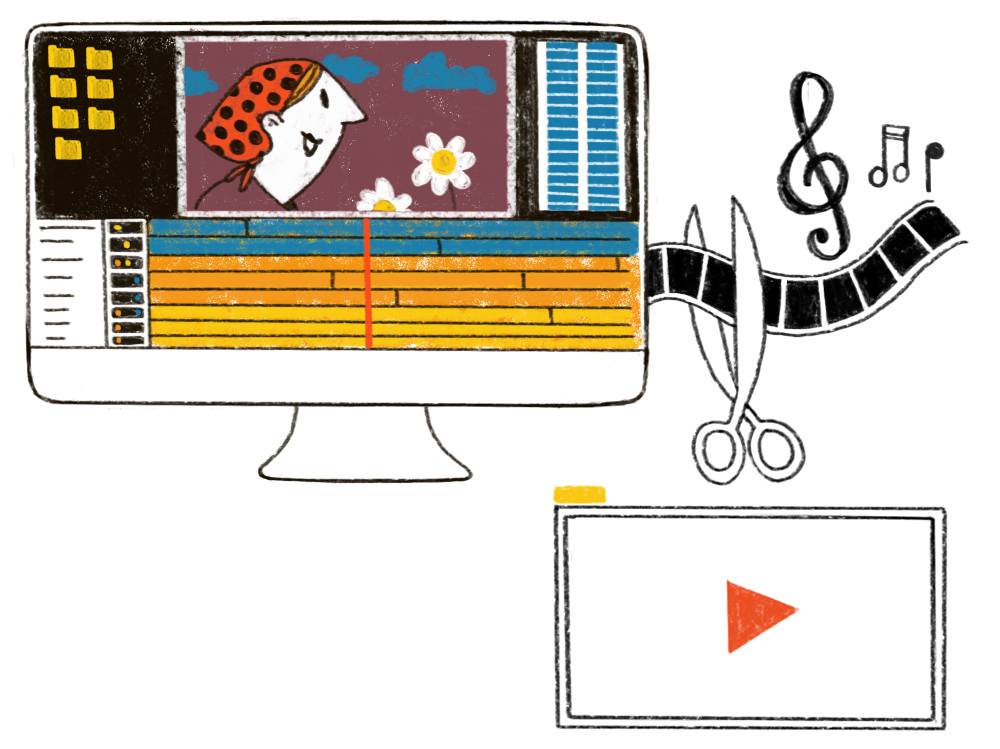
In post-production, all parts of the film are brought together. Compositing involves combining backgrounds, characters, objects, animations and effects. Software that works in layers and with a timeline makes this possible. This is how the film images are created, which are then applied to the voice recording and synchronised. The film has to be edited to achieve a good rhythm. Music, sound effects and background noise make the film more lively and enhance the mood. Once all the post-production steps have been completed, the rendering is carried out. The computer converts the film frame by frame and saves it in the desired format. Once the explanatory film is finished, it can be published on websites, social media or in presentations.

Step 7: Post-production

My Offer for Your Explainer Video

Would you like to produce an explainer video and need help? Send me your concept and we will work together to develop suitable text and imagery that conveys your message clearly and appealingly to your target audience. Studio animanova can take care of all the other steps involved in producing your explainer video. I have years of experience in creating videos for companies of various sizes and in different industries. All videos are individually tailored, from the storyboard, design and animation to the selection of a professional voice-over artist, music, compositing and final rendering. Interested? Just get in touch with me.

explainer video stills studio animanova
Explainer video Stills studio animanova